ЖИ көмекші


жүктеу мүмкіндігіне ие боласыз
Бұл материал сайт қолданушысы жариялаған. Материалдың ішінде жазылған барлық ақпаратқа жауапкершілікті жариялаған қолданушы жауап береді. Ұстаз тілегі тек ақпаратты таратуға қолдау көрсетеді. Егер материал сіздің авторлық құқығыңызды бұзған болса немесе басқа да себептермен сайттан өшіру керек деп ойласаңыз осында жазыңыз
 06 Ақпан 2021
 332
332
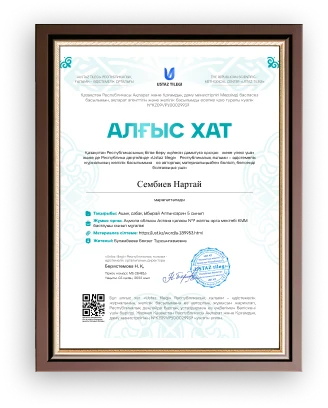
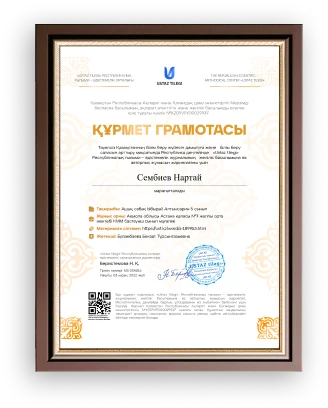
The Use Of Information Technology in Education and Quizlet.
The Use Of Information Technology in Education and Quizlet.
The widespread development of information technologies (IT) and their penetration into all spheres of society is a global trend in world development in recent decades.At present, in connection with the development of computer technology and modern means of communication, when the use of IT becomes necessary in almost any field of human activity, information technology of education is increasingly being discussed. Mastering the skills of these technologies while still at the school desk largely determines the success of the future professional training of current students.Modern IT, which allows you to create, store, process information and provide effective ways to present it to the student, is a powerful tool to accelerate the educational process. The specificity of the education system lies in the fact that it is, on the one hand, a consumer, and on the other, an active producer of information technologies. At the same time, technologies born in the education system are used far beyond its borders.
The effectiveness of using IT for solving these problems is due to the following factors:
variety of forms of information presentation;
high degree of clarity;
the ability to simulate a variety of processes;
release from routine work that distracts from mastering the main content;
good adaptability for the organization of collective research work;
The possibility of a differentiated approach to the work of students depending on the level of training, cognitive interests, etc .; The use of IT is replacing many traditional teaching tools. In many cases, such a replacement is effective, since it allows students to maintain interest in the subject, and allows to create an informational environment that stimulates the child's interest and inquisitiveness. At school, a computer allows the teacher to quickly combine a variety of tools that contribute to a deeper and more conscious assimilation of the material being studied, saves lesson time, and allows you to organize the learning process according to individual programs. The most general work that considers the classification of information and communication technologies (ICT) by the way they are used for educational purposes is the work of Robert I.V. and Samoilenko P.AND. "Information technology in science and education", which proposes the following classification of the use of ICT. ICT can be used as:
teaching aids;
tools to improve the teaching process;
a tool for cognition of the surrounding reality and self-knowledge;
means of development of the student's personality;
the object of study within the framework of mastering the course of computer science;
informational and methodological support and management of the educational process;
means of communication;
means of automating the process of processing the experimental results and control
means of automating the processes of monitoring and correcting the results of educational activities, testing and psychodiagnostics;
means of organizing intellectual leisure.
A significant role in the organization of training based on any educational technology is played by the control of the acquired level of knowledge and practical skills. In the learning process, the control procedure performs the function of managing the learning process to develop the necessary correction of the educational process in order to obtain a high-quality level of the student's readiness.
Computer control of students' knowledge is the basis for obtaining an objective independent assessment of the level of educational achievements (knowledge, intellectual skills and practical skills) of the student. Multimedia is a modern computer information technology that allows text, sound, video, graphics and animation (animation) to be combined in a computer system. Multimedia is the sum of technologies that enable a computer to input, process, store, transmit and display (output) data types such as text, graphics, animation, digitized still images, video, sound, speech. Let's consider the main features and possibilities of using multimedia technology in teaching when developing computer training and communication tools:
- increasing the visibility of information presentation;
- increasing the interactivity of the created software;
- creation of a virtual environment of inaccessible reality;
- sound and animation of objects;
- a significant increase in interest in learning;
- restoration of the speech component of interaction;
- creating an image of an assistant "pedagogical agent":
- imitation of real processes and the possibility of visual modeling;
- creation of software for correctional pedagogy.
Distance learning (DL) is a technology of teaching and organization of the educational process, based on the principle of independent work of a student. The learning environment is characterized by the fact that the students are mainly, and often completely, remote from the teacher in space and (or) in time, at the same time they have the opportunity to maintain a dialogue, both with the teacher and with other students using the means and capabilities of a computer network.
Briefly, the main provisions of distance learning can be presented as follows:
- the defining individual qualities of students applying distance learning technologies should be: self-respect; purposefulness; the ability for self-control and independent cognitive activity of the student;
- the formed need for the independent acquisition and application of knowledge should become the need of a modern person throughout his conscious life in the continuous improvement of the cultural and educational level;
- organization of independent cognitive activity of students involves the use of the latest teaching technologies that stimulate the intellectual development of students;
- the distance learning system should provide not only individual forms of communication with the teacher, but also group forms in the mode of various conferences for communication with other students;
- the system of self-control of the assimilation of knowledge and methods of cognitive activity should be accompanied by external, various forms of control, which should be provided at least by a two-loop structure of feedback in the model of cognitive activity management.
Distance learning from traditional forms of education is usually distinguished by the following characteristic features:
1) speed: the possibility of advanced training, complete education or in certain areas in a fairly short time, determined by the individual characteristics and purposefulness of the student;
2) mass character: this is the most mass education;
3) flexibility: the ability to get education at a convenient time and time and regardless of the location of the educational institution, to have an unregulated period of time for mastering, both a separate discipline and for education in general;
4) compatibility: training in parallel with professional activity, i.e. on the job;
5) coverage: simultaneous access to many sources of educational information (electronic libraries, data banks, knowledge bases, etc.) of a large number of students. Communication through communication networks with each other and with teachers;
6) manufacturability: use in the educational process of the latest achievements of information and telecommunication technologies;
7) social equality: equal opportunities to receive education regardless of place of residence, health status, elitism and material security of the student. The basis of the educational process of distance learning technology is the purposeful, controlled, intensive independent work of the student.
With the widespread introduction of ICT in education, a number of complex interrelated problems arise in structuring a single information educational space, ensuring effective network access to it for students and teachers, and significantly reducing the time and funds spent by educational institutions to enter such an educational environment.
A modern tool focused on solving these problems is a system of portals that provide:
• placement of information resources in the portal environment (including metoinformation, operational information, personal and corporate information, the most important universal services);
navigation (based on a wide range of search procedures and specialized tools);
• access to resources and user interaction.
Some teachers like to create customized study guides and booklets for their classes, but that takes a lot of time and effort outside of school hours.
That’s why so many teachers consider using Quizlet, an online study tool, to save time when helping students prepare for tests! Quizlet.com is a free website which enables teachers and students to create digital flash cards. Quizlet can automatically generate interactive games and even tests of the material you enter into it. Five or ten minutes of typing (or pasting!) up front can yield literally hours’ worth of automatically-assessed activities inside and outside of the classroom, on computers, smartphones, tablets. Overall, Quizlet can be a great tool for you and your students for three reasons:
You can easily differentiate review for your students
You can incorporate collaboration and teamwork into your classes
Students have another way to prepare for tests
Quizlet has seven standard study modes that help students review in the way that works best for them:
Flashcards-A quick way to review terms and definitions, just like paper-based flashcards
Learn – A personalized study mode based on how well you know information in a study set
Write – A fill-in-the-blank style study tool
Spell – A study mode that dictates a term or definition that you must correctly type
Test – An easy way to quiz yourself on how well you know information in a study set
Match – A time-based game where the student must match terms and definitions
Gravity – A level-based game where the student must answer correctly before being hit by an asteroid
When you create study sets for your students, you decide which modes to use based on how your students learn best.Some study modes, like Flashcards, include text-to-speech audio prompts that help ELLs and students with IEPs learn and remember information.You can also include images and diagrams as needed to provide better context for your students.With all of these options, you’re creating a customized way for your students to review information, without you having to do a lot of extra work! How do I create cards?
The creation of learning material for memorization begins with the compilation of a new learning module.You must enter the name of the module, then enter the terms and definitions. You can also change the visibility settings (visible to all Quizlet users / specific courses / participants with a password / only the module creator) and editing (editable only by the module creator / specific courses / password participants). Conveniently, you can import data by simply copying and pasting it from Word, Excel, Google Docs, etc. Also, a definition and a corresponding picture are automatically offered for each term (BTW in the free version it is impossible to upload your pictures). → Sort your study materials by creating folders for different subjects. Organize modules by creating courses and sharing them with other users.In flashcard view, students see all cards, flip them over to repeat terms and definitions.In memorization mode, an individual learning plan will be created based on mastering the material of the module. To complete this step, you must answer each question correctly twice. At the end of each stage, all terms will be grouped according to the level of mastery: “familiar” means that the student answered correctly once, and “learned” - twice.In this mode, you can set a memorization deadline for all cards, track progress and receive reminders from the application.In the writing mode, a definition or a picture of the term will be given and it is assessed how well the student knows the material and whether he makes mistakes in spelling. When the student completes the first stage, the writing mode will begin the second, which will use the questions that were answered incorrectly in the first stage. To complete the writing mode step and view your results, you must answer each question correctly twice.In the spelling mode, you need to register what you heard.Test mode automatically creates different test variants (matching, multiple choice, true / false, fill the gap).In the game of selection, students select the correct terms for definitions as quickly as possible and compete against each other for a while.In the game gravity, students must give correct answers to save the planet from asteroid strikes.
How do I use Quizlet in my class?
First of all, you can create flashcards for vocabulary revision and send them to students to practice outside of class.
Students make up vocabulary cards from the lessons themselves.In addition to the cards “term-translation”, “term-picture”, “term-definition”, you can make up such combinations as:
“synonym term”
“term-antonym”
“phrase / idiom in parts”
“word formation”
“term - several phrases with gaps so that students choose the missing word in the gap”.
“term - several sentences with gaps”
1.Quizlet Live is an in-class game that teachers can use to help students review information while working together in teams.
2.The game randomly sorts students into teams to match terms and definitions, and the first team to correctly answer all of the questions wins!
3.Quizlet Live is fully focused on accuracy over speed. If a team answers any question wrong, they have to start over from the beginning.
4.This ensures your students’ competitive spirit won’t override the need to answer correctly.
Quizlet Liveis an in-class game that teachers can use to help students review information while working together in teams.The game randomly sorts students into teams to match terms and definitions, and the first team to correctly answer all of the questions wins!Quizlet Live is fully focused on accuracy over speed. If a team answers any question wrong, they have to start over from the beginning.This ensures students’ competitive spirit won’t override the need to answer correctly.But before you jump right into adding a new tool to your classroom, it’s important to understand the pros and cons of Quizlet to help decide if it’s right for you and your students.Quizlet’s mission is to help students (and teachers) practice and master what they’re learning. In Quizlet, information is organized into “study sets” that users like teachers or students add to their accounts.When using Quizlet, students log in and choose the appropriate study set for the concepts they need to review. These can be created by a teacher or generated by other users.Because of the flexibility and customization available, Quizlet can be used in any grade level and any type of class.
References:
1.Rosseau, D. (1979). Assessment Of Technology In Organizations: Closed Versus Open Systems Approaches. Academy Of Management Review. p. 531-542
2.Benjamín, I & Blunt, J (Summer 1992). Critical IT Issues: The Next Ten Years, Sloan Management Review. p. 7-19
3.Huber, G. (1990). “A Theory Of The Effects Of Advanced Information Technologies On Organizational Design. Academy Of Management Review, Vol 14, p. 47-71

 Жүктеу


 Жүктеу
шағым қалдыра аласыз
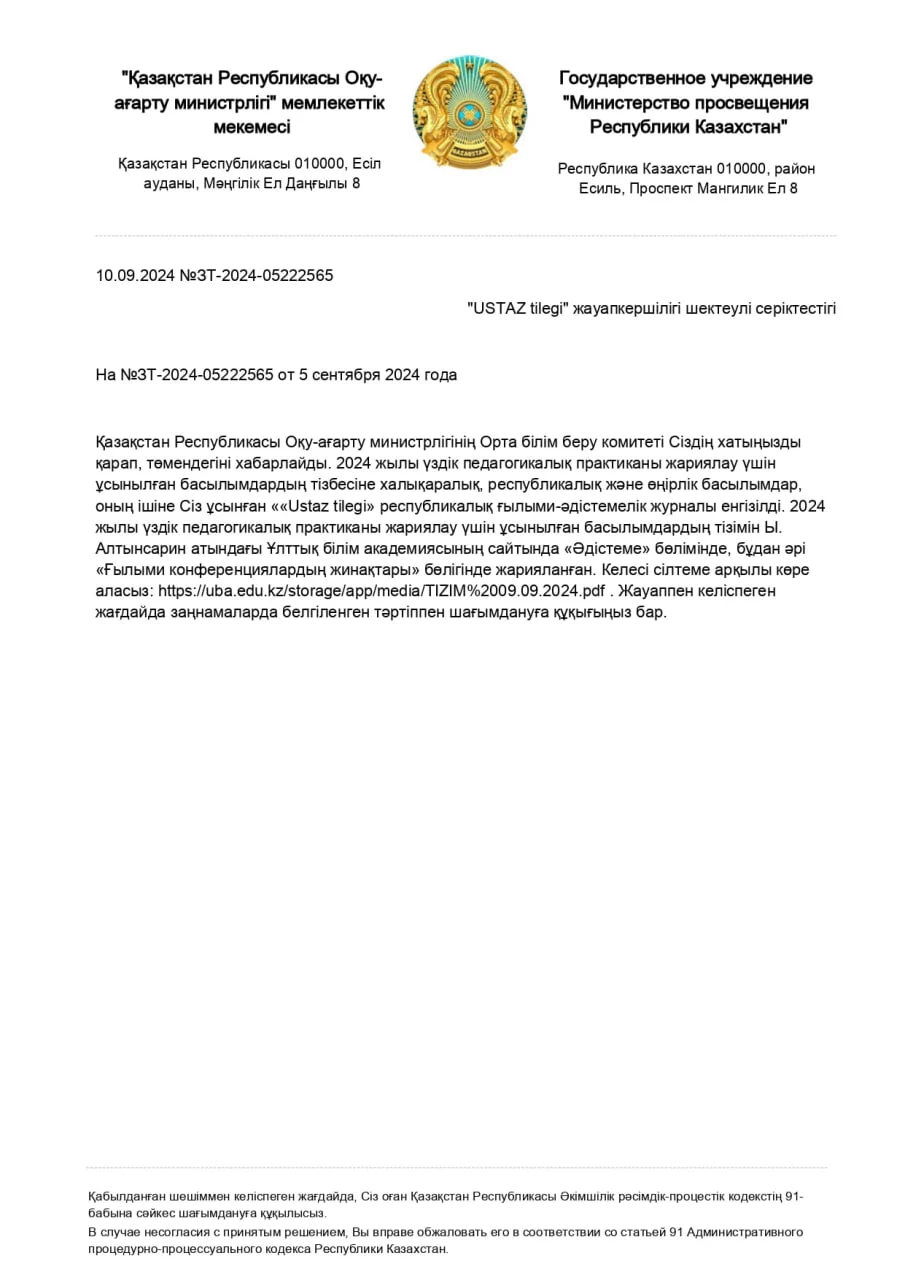

 Бұл курс Қазақстан Республикасы Оқу-ағарту министрлігімен келісілген