ЖИ көмекші





Spreadsheet 8 сынып

 Жүктеу
#1 слайд
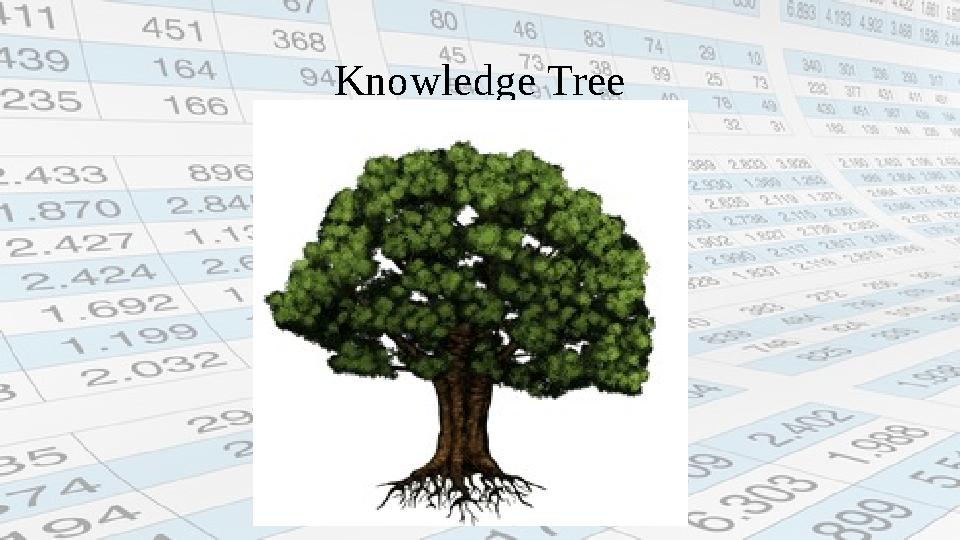
Knowledge Tree
1 слайд
Knowledge Tree
#2 слайд
2 слайд

#3 слайд
3 слайд
#4 слайд
№ р/с Айы қараша
Кунi
Home
Work Practice fastening
questionsОқушының аты мен тегі
1
Ажибекова Асия
2
Алшинбаев Руслан
3
Амандық Дариға
4
Амантаева Анеля
5
Ануарбек Таир
6
Әділбек Сағи
7
Байсейтова Динара
8
Берік Диас
9
Еркебұланқызы Талшын
10
Жарылқасын Лаура
11
Зубайра Асылжан
12
Исабек Қуаныш
13
Ишан Нұркен
14
Калманбай Айтолқын
15
Кәрібек Нұршат
1 6
Мустафаев Нияз
1 7
Оналбаева Әйгерім
18
Орынғалиқызы Назым
19
Сайлау Аяна
2 0
Төленбеков Хафизмухаммед
2 1
Төреқазы Балауса
2 2
Чапаев Алихан
2 3
Шугаева Балнур
2 4
Шырынханов Азамат 3 - Very well
2 - Good
1 – Not bad
4 слайд
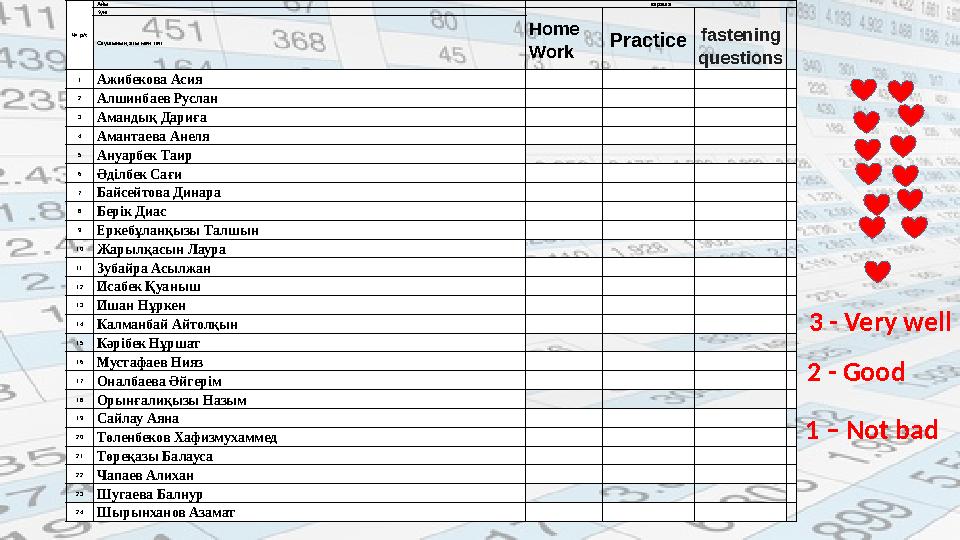
№ р/с Айы қараша Кунi Home Work Practice fastening questionsОқушының аты мен тегі 1 Ажибекова Асия 2 Алшинбаев Руслан 3 Амандық Дариға 4 Амантаева Анеля 5 Ануарбек Таир 6 Әділбек Сағи 7 Байсейтова Динара 8 Берік Диас 9 Еркебұланқызы Талшын 10 Жарылқасын Лаура 11 Зубайра Асылжан 12 Исабек Қуаныш 13 Ишан Нұркен 14 Калманбай Айтолқын 15 Кәрібек Нұршат 1 6 Мустафаев Нияз 1 7 Оналбаева Әйгерім 18 Орынғалиқызы Назым 19 Сайлау Аяна 2 0 Төленбеков Хафизмухаммед 2 1 Төреқазы Балауса 2 2 Чапаев Алихан 2 3 Шугаева Балнур 2 4 Шырынханов Азамат 3 - Very well 2 - Good 1 – Not bad
#5 слайд
•
– сандық – цифровой
•
– ұйымдастыру - организовать
•
– папирус - папирус
•
– қол жетімді - доступный
•
– мүмкіндік - комплект
•
– жиынтық – комплект
•
– сауалнама - анкета
•
– бірнеше – множественныйHOME WORK
Digital
To organize
Papyrus
Available
Feature
Set
Questionnaire
Multiple
5 слайд
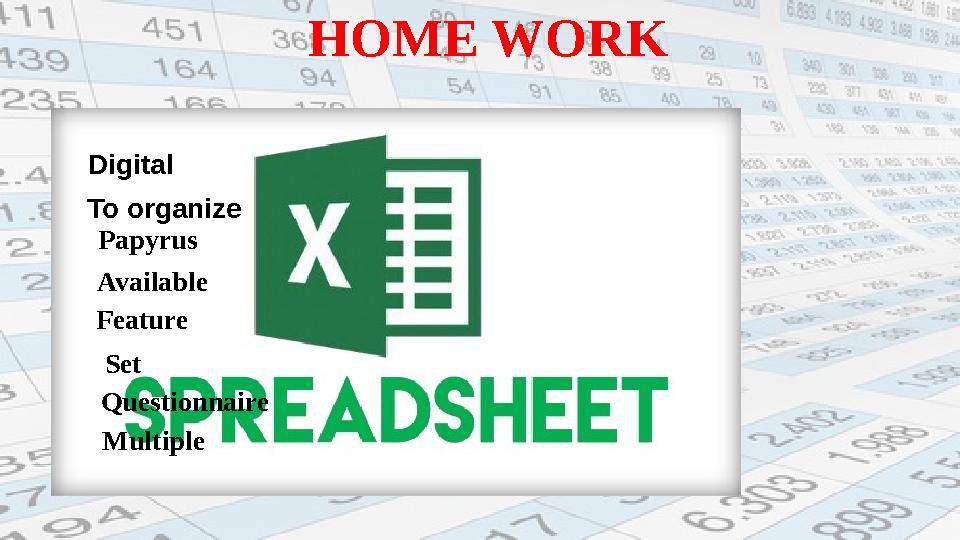
• – сандық – цифровой • – ұйымдастыру - организовать • – папирус - папирус • – қол жетімді - доступный • – мүмкіндік - комплект • – жиынтық – комплект • – сауалнама - анкета • – бірнеше – множественныйHOME WORK Digital To organize Papyrus Available Feature Set Questionnaire Multiple
#6 слайд
р
6 слайд
р
#7 слайд
•
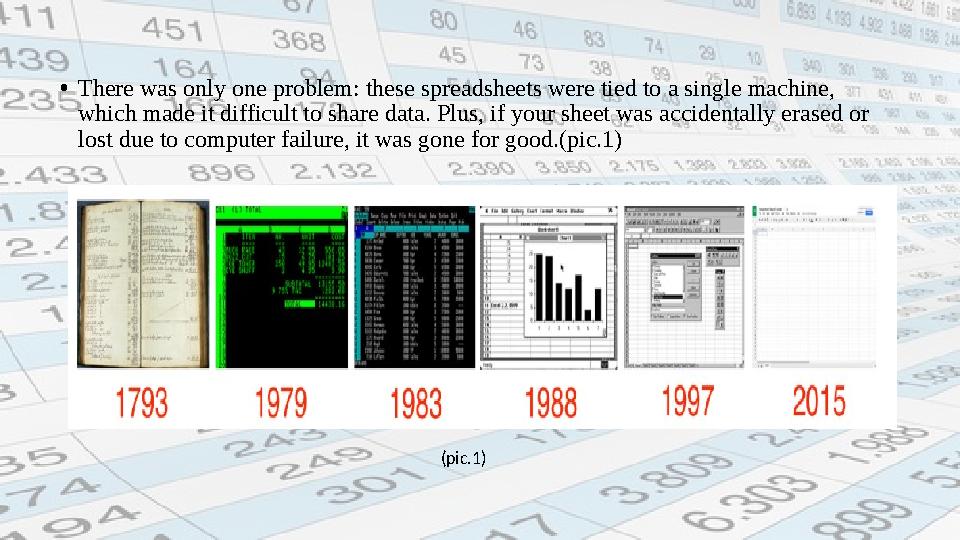
There was only one problem: these spreadsheets were tied to a single machine,
which made it difficult to share data. Plus, if your sheet was accidentally erased or
lost due to computer failure, it was gone for good.(pic.1)
(pic.1)
7 слайд
• There was only one problem: these spreadsheets were tied to a single machine, which made it difficult to share data. Plus, if your sheet was accidentally erased or lost due to computer failure, it was gone for good.(pic.1) (pic.1)
#8 слайд
•
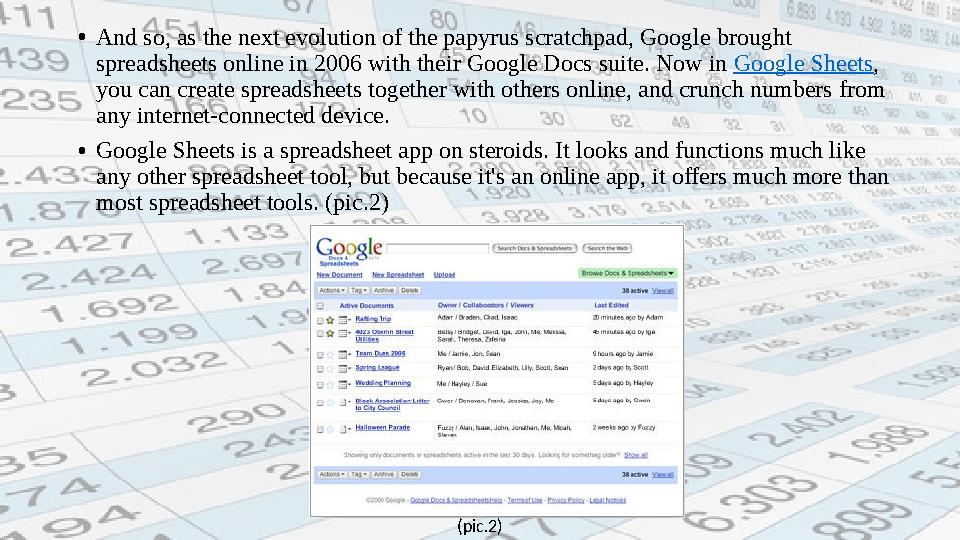
And so, as the next evolution of the papyrus scratchpad, Google brought
spreadsheets online in 2006 with their Google Docs suite. Now in Google Sheets ,
you can create spreadsheets together with others online, and crunch numbers from
any internet-connected device.
•
Google Sheets is a spreadsheet app on steroids. It looks and functions much like
any other spreadsheet tool, but because it's an online app, it offers much more than
most spreadsheet tools. (pic.2)
(pic.2)
8 слайд
• And so, as the next evolution of the papyrus scratchpad, Google brought spreadsheets online in 2006 with their Google Docs suite. Now in Google Sheets , you can create spreadsheets together with others online, and crunch numbers from any internet-connected device. • Google Sheets is a spreadsheet app on steroids. It looks and functions much like any other spreadsheet tool, but because it's an online app, it offers much more than most spreadsheet tools. (pic.2) (pic.2)
#9 слайд
Create a new Spreadsheet
•
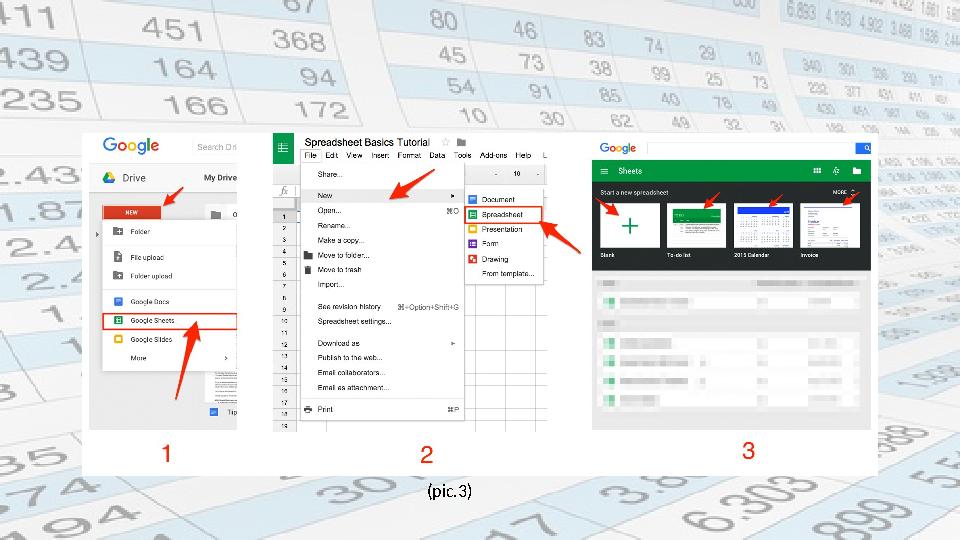
The best part about Google Sheets is that it's free and it works on any device—
which makes it easy to follow along with the tutorials in this book. All you'll
need is a web browser (or the Google Sheets app on your iOS or Android
device), and a free Google account. On your Mac or PC, head over to
sheets.google.com , and you're ready to get started. (pic.3)
•
There are 3 ways to create a new spreadsheet in Google Sheets:
1. Click the red "NEW" button on your your Google Drive dashboard and
select "Google Sheets"
2. Open the menu from within a spreadsheet and select "File > New
Spreadsheet"
3. Click "Blank" or select a template on the Google Sheets homepage
9 слайд
Create a new Spreadsheet • The best part about Google Sheets is that it's free and it works on any device— which makes it easy to follow along with the tutorials in this book. All you'll need is a web browser (or the Google Sheets app on your iOS or Android device), and a free Google account. On your Mac or PC, head over to sheets.google.com , and you're ready to get started. (pic.3) • There are 3 ways to create a new spreadsheet in Google Sheets: 1. Click the red "NEW" button on your your Google Drive dashboard and select "Google Sheets" 2. Open the menu from within a spreadsheet and select "File > New Spreadsheet" 3. Click "Blank" or select a template on the Google Sheets homepage
#10 слайд
(pic.3)
10 слайд
(pic.3)
#11 слайд
•
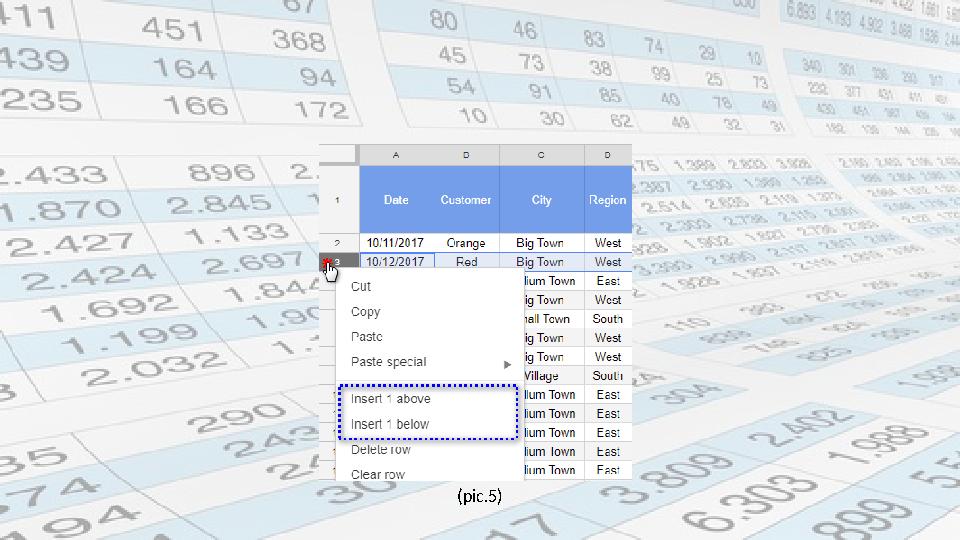
This will create a new blank spreadsheet (or a pre-populated template if you
choose one of those). For this tutorial, though, you should start with a blank
spreadsheet. (pic.4)
•
The Google Sheets interface should remind you of at least one other
spreadsheet app you’ve seen before, with familiar text editing icons
and tabs for extra sheets.
(pic.4)
11 слайд
• This will create a new blank spreadsheet (or a pre-populated template if you choose one of those). For this tutorial, though, you should start with a blank spreadsheet. (pic.4) • The Google Sheets interface should remind you of at least one other spreadsheet app you’ve seen before, with familiar text editing icons and tabs for extra sheets. (pic.4)
#12 слайд
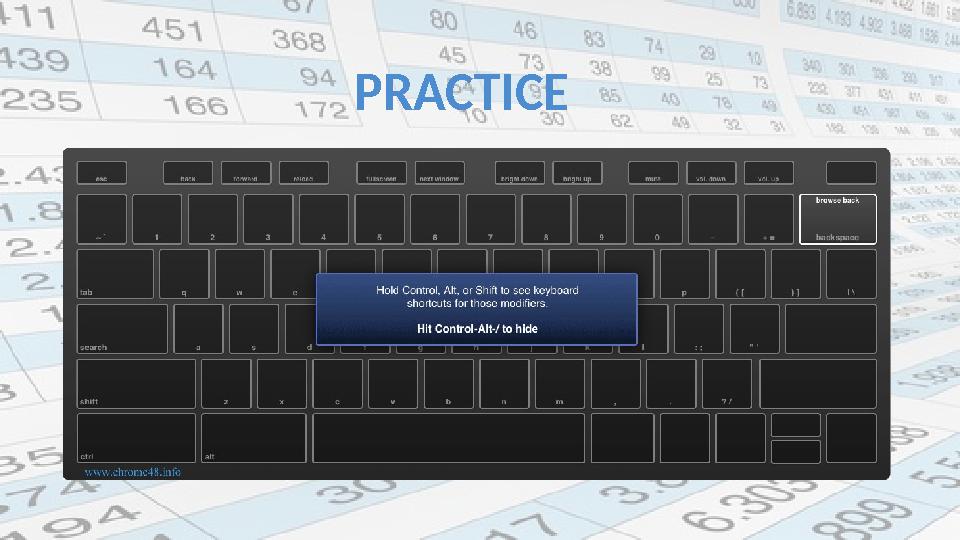
(pic.5)
12 слайд
(pic.5)
#13 слайд
PRACTICE
13 слайд
PRACTICE
#14 слайд
14 слайд
#15 слайд
Terminology
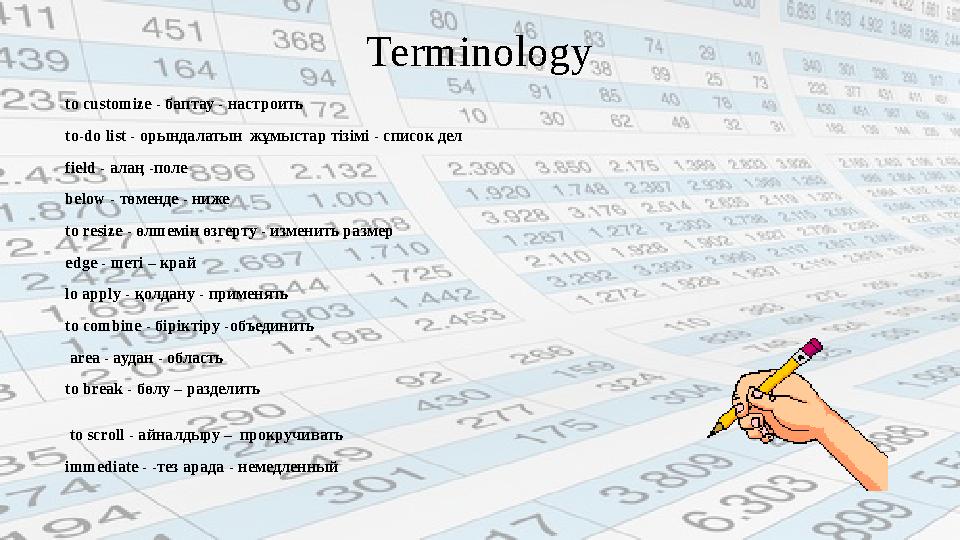
to customize - баптау - настроить
to-do list - орындалатын ж ұ мыстар тізімі - список дел
field - алаң -поле
below - төменде - ниже
to resize - өлшемін өзгерту - изменить размер
edge - шеті – край
lo apply - қолдану - применять
to combine - біріктіру -объединить
area - аудан - область
to break - бөлу – разделить
to scroll - айналдыру –
прокручивать
immediate - -тез арада - немедленный
15 слайд
Terminology to customize - баптау - настроить to-do list - орындалатын ж ұ мыстар тізімі - список дел field - алаң -поле below - төменде - ниже to resize - өлшемін өзгерту - изменить размер edge - шеті – край lo apply - қолдану - применять to combine - біріктіру -объединить area - аудан - область to break - бөлу – разделить to scroll - айналдыру – прокручивать immediate - -тез арада - немедленный
#16 слайд
•
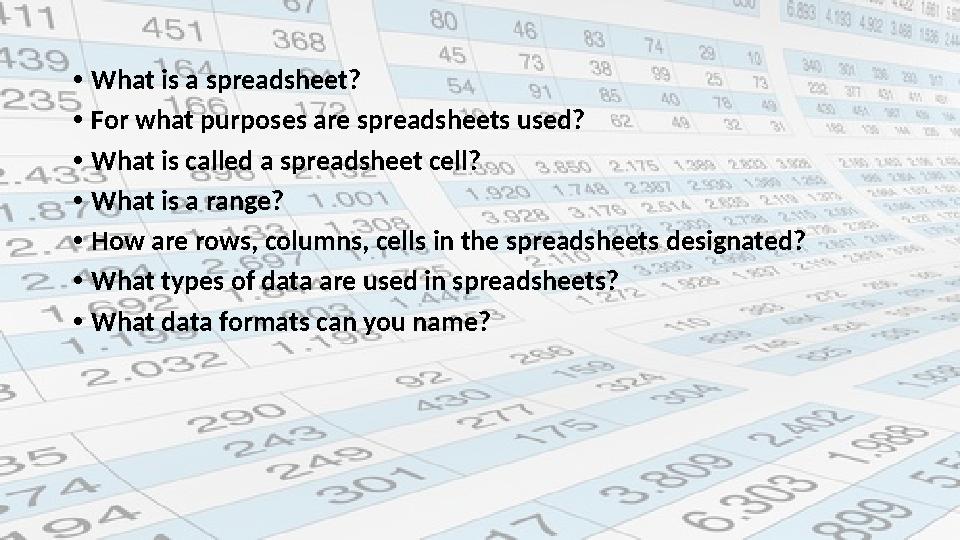
What is a spreadsheet?
•
For what purposes are spreadsheets used?
•
What is called a spreadsheet cell?
•
What is a range?
•
How are rows, columns, cells in the spreadsheets designated?
•
What types of data are used in spreadsheets?
•
What data formats can you name?
16 слайд
• What is a spreadsheet? • For what purposes are spreadsheets used? • What is called a spreadsheet cell? • What is a range? • How are rows, columns, cells in the spreadsheets designated? • What types of data are used in spreadsheets? • What data formats can you name?
#17 слайд
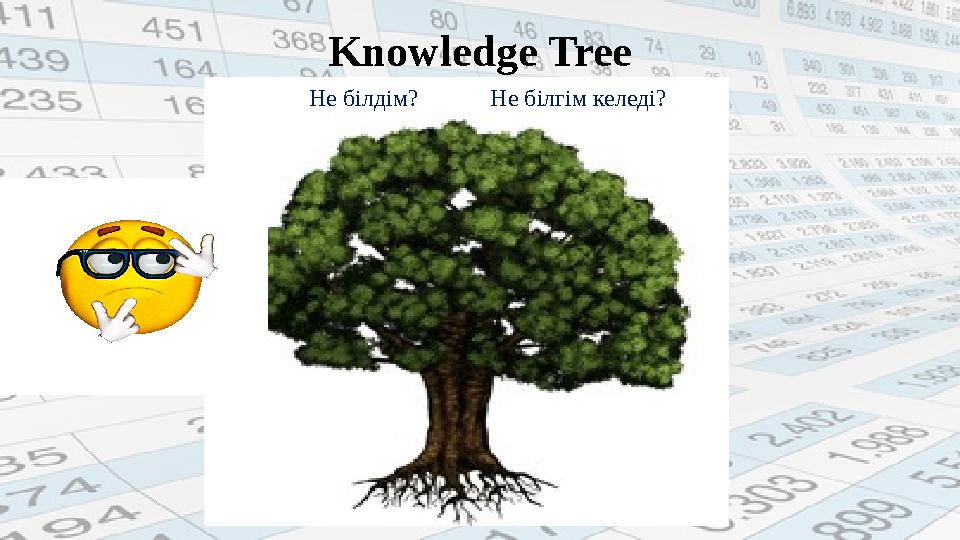
Knowledge Tree
Не білдім? Не білгім келеді?
17 слайд
Knowledge Tree Не білдім? Не білгім келеді?
#18 слайд
TERMINOLOGY
18 слайд
TERMINOLOGY


 Жүктеу
шағым қалдыра аласыз

 Бұл курс Қазақстан Республикасы Оқу-ағарту министрлігімен келісілген