ЖИ көмекші


 Қауіпсіз төлем




1 жыл бойы шексіз жүктеңіз
Ашық сабақ 11 сынып


#1 слайд
1 слайд
#2 слайд
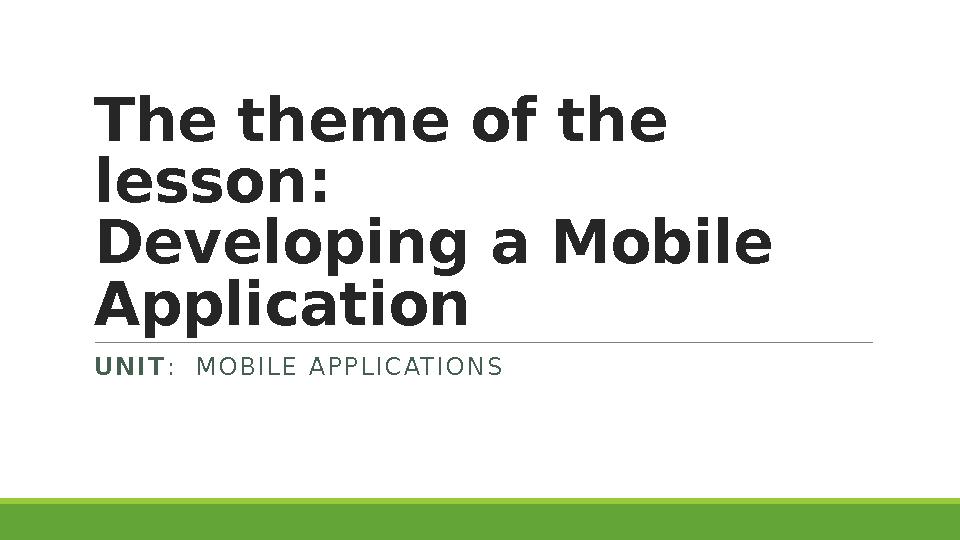
Т he theme of the
lesson :
Developing a Mobile
Application
U N I T : M O B I L E A P P L I C AT I O N S
2 слайд
Т he theme of the lesson : Developing a Mobile Application U N I T : M O B I L E A P P L I C AT I O N S
#3 слайд
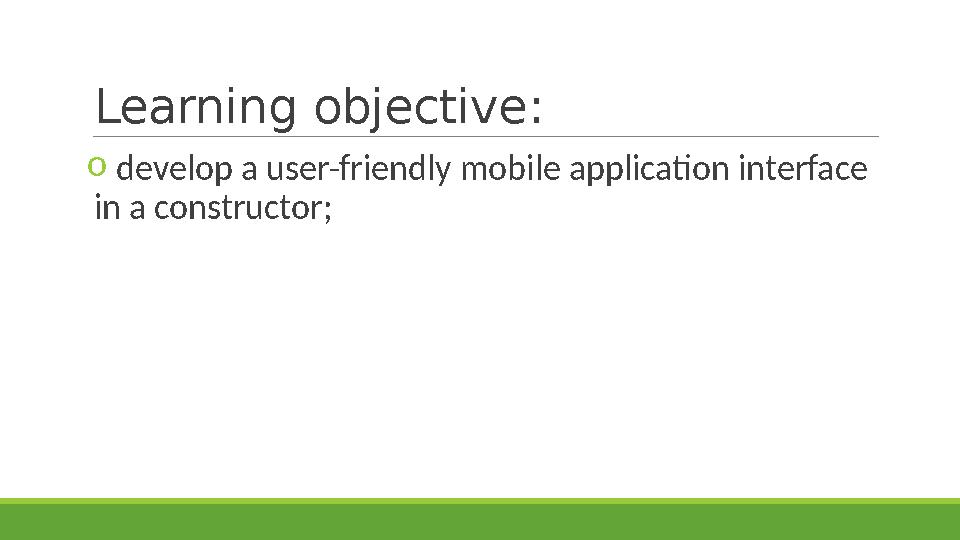
Learning objective :
o
develop a user-friendly mobile application interface
in a constructor;
3 слайд
Learning objective : o develop a user-friendly mobile application interface in a constructor;
#4 слайд
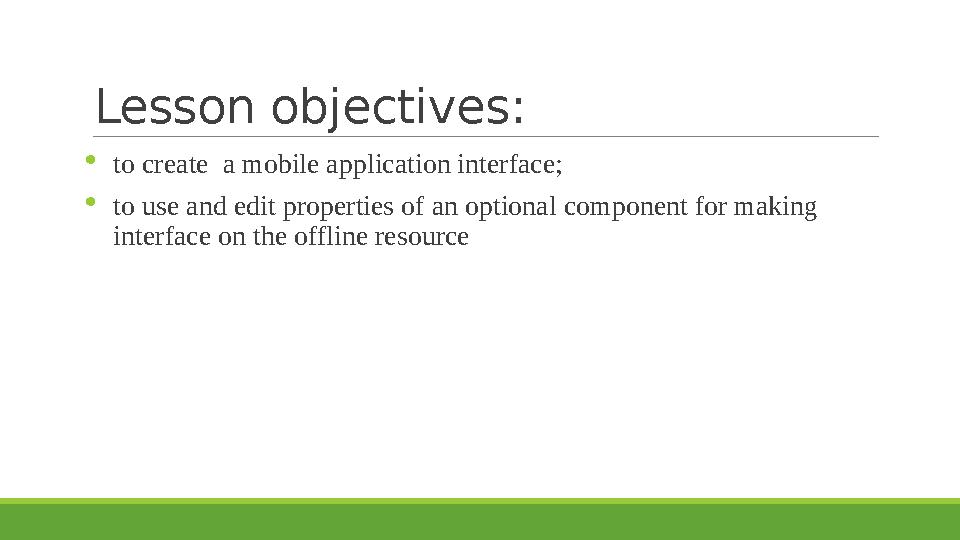
Lesson objectives :
to create a mobile application interface;
to use and edit properties of an optional component for making
interface on the offline resource
4 слайд
Lesson objectives : to create a mobile application interface; to use and edit properties of an optional component for making interface on the offline resource
#5 слайд
Criteria of assessment :
o
designed an interface model of application
o
applied an optional component for creating creation
interface on the offline resource.
5 слайд
Criteria of assessment : o designed an interface model of application o applied an optional component for creating creation interface on the offline resource.
#6 слайд
Research work
1. Write the following tabs for MIT App Inventor:
Palette -
View -
Components -
Property -
2. Explore the Palette Tab Components.
6 слайд
Research work 1. Write the following tabs for MIT App Inventor: Palette - View - Components - Property - 2. Explore the Palette Tab Components.
#7 слайд
The task
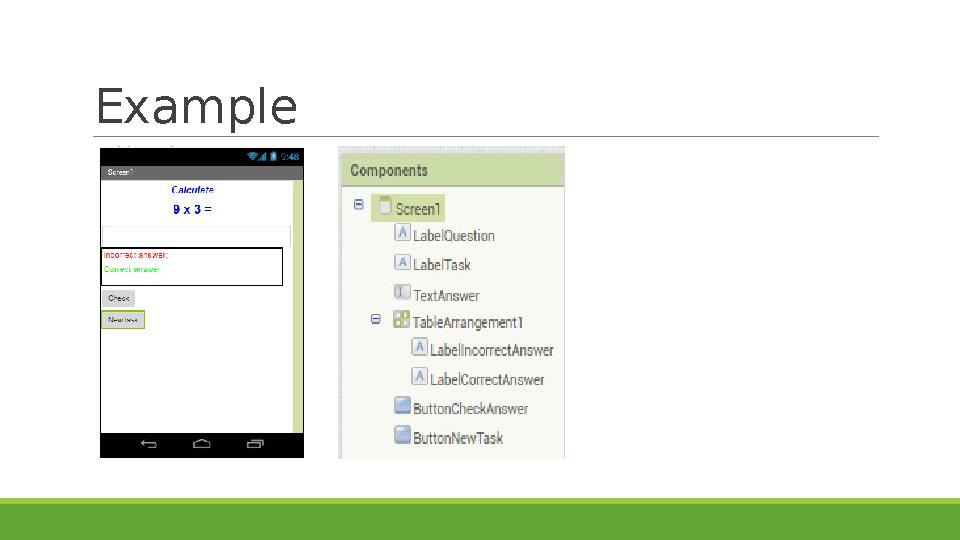
Create a new project in MIT App Inventor 2
Place on the form the main components of the
designer
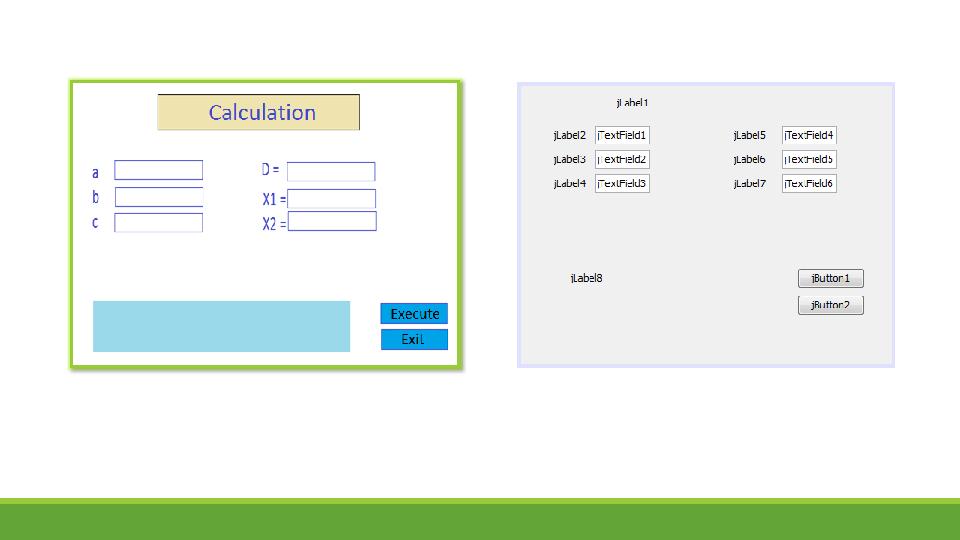
Change the properties of components and make a
friendly interface
7 слайд
The task Create a new project in MIT App Inventor 2 Place on the form the main components of the designer Change the properties of components and make a friendly interface
#8 слайд
Mini - Project
I. Scenario
Arsen helps younger sister for math subject. He have wanted to create a program that combines
the addition or multiplication of one and two-digit numbers. The program must randomly output
the tasks to the screen for calculating and verify the input data.
II. Analysis of project.
III. Planning of work thought criteria of assessment of project.
IV. Development of application design.
8 слайд
Mini - Project I. Scenario Arsen helps younger sister for math subject. He have wanted to create a program that combines the addition or multiplication of one and two-digit numbers. The program must randomly output the tasks to the screen for calculating and verify the input data. II. Analysis of project. III. Planning of work thought criteria of assessment of project. IV. Development of application design.
#9 слайд
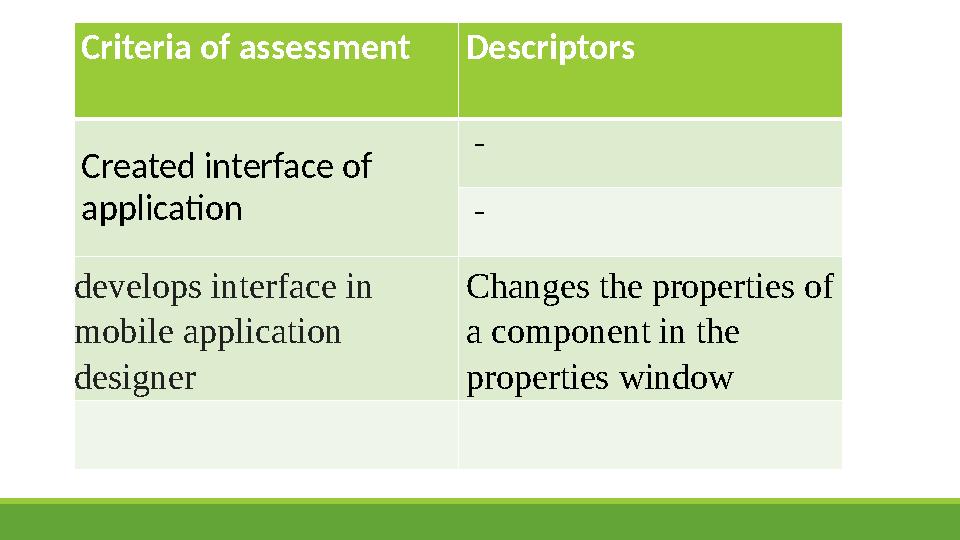
Criteria of assessment Descriptors
Created interface of
application -
-
develops interface in
mobile application
designer Changes the properties of
a component in the
properties window
9 слайд
Criteria of assessment Descriptors Created interface of application - - develops interface in mobile application designer Changes the properties of a component in the properties window
#10 слайд
10 слайд
#11 слайд
Example
11 слайд
Example
#12 слайд
Reflection
What was done?
What to do?
12 слайд
Reflection What was done? What to do?









 Бұл курс Қазақстан Республикасы Оқу-ағарту министрлігімен келісілген