ЖИ көмекші


 Қауіпсіз төлем




1 жыл бойы шексіз жүктеңіз
Your first program

#1 слайд
1 слайд
#2 слайд
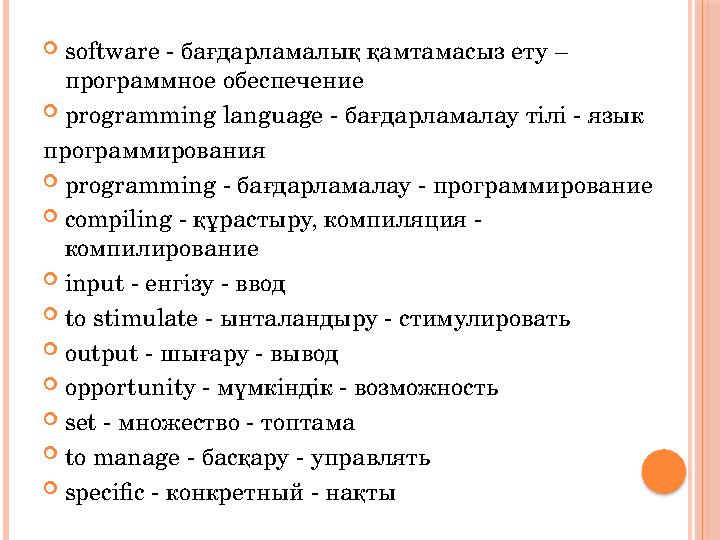
software - бағдарламалық қамтамасыз ету –
программное обеспечение
programming language - бағдарламалау тілі - язык
программирования
programming - бағдарламалау - программирование
compiling - құрастыру, компиляция -
компилирование
input - енгізу - ввод
to stimulate - ынталандыру - стимулировать
output - шығару - вывод
opportunity - мүмкіндік - возможность
set - множество - топтама
to manage - басқару - управлять
specific - конкретный - нақты
2 слайд
software - бағдарламалық қамтамасыз ету – программное обеспечение programming language - бағдарламалау тілі - язык программирования programming - бағдарламалау - программирование compiling - құрастыру, компиляция - компилирование input - енгізу - ввод to stimulate - ынталандыру - стимулировать output - шығару - вывод opportunity - мүмкіндік - возможность set - множество - топтама to manage - басқару - управлять specific - конкретный - нақты
#3 слайд
3.2 YOUR FIRST PROGRAM
You will:
identify components of IDE;
learn how to write a code in Python.
3 слайд
3.2 YOUR FIRST PROGRAM You will: identify components of IDE; learn how to write a code in Python.
#4 слайд
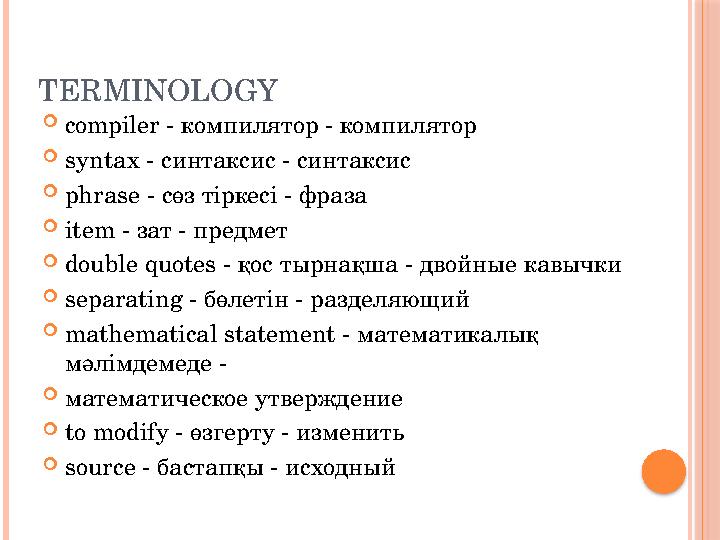
TERMINOLOGY
compiler - компилятор - компилятор
syntax - синтаксис - синтаксис
phrase - сөз тіркесі - фраза
item - зат - предмет
double quotes - қос тырнақша - двойные кавычки
separating - бөлетін - разделяющий
mathematical statement - математикалық
мәлімдемеде -
математическое утверждение
to modify - өзгерту - изменить
source - бастапқы - исходный
4 слайд
TERMINOLOGY compiler - компилятор - компилятор syntax - синтаксис - синтаксис phrase - сөз тіркесі - фраза item - зат - предмет double quotes - қос тырнақша - двойные кавычки separating - бөлетін - разделяющий mathematical statement - математикалық мәлімдемеде - математическое утверждение to modify - өзгерту - изменить source - бастапқы - исходный
#5 слайд
5 слайд
#6 слайд
6 слайд

#7 слайд
7 слайд
#8 слайд
8 слайд
#9 слайд
9 слайд
#10 слайд
10 слайд
#11 слайд
WHY PYTHON?
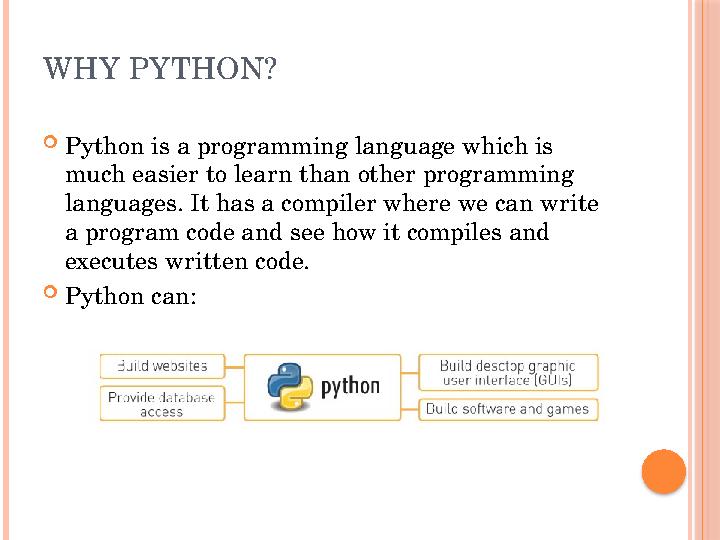
Python is a programming language which is
much easier to learn than other programming
languages. It has a compiler where we can write
a program code and see how it compiles and
executes written code.
Python can:
11 слайд
WHY PYTHON? Python is a programming language which is much easier to learn than other programming languages. It has a compiler where we can write a program code and see how it compiles and executes written code. Python can:
#12 слайд
INSTALLING PYTHON
Follow these steps to set up Python on your
computer
follow:
1. Go to https://www.python.org/;
2. Click 'Download' and execute your own
operating system
select your system;
3. select latest Python 3 release, download and
install it.
12 слайд
INSTALLING PYTHON Follow these steps to set up Python on your computer follow: 1. Go to https://www.python.org/; 2. Click 'Download' and execute your own operating system select your system; 3. select latest Python 3 release, download and install it.
#13 слайд
GETTING STARTED
1. Click on Start and type Python;
2. Select IDLE (Python GUI) to work with
Python.
3. Open new fi le to write your first program code.
13 слайд
GETTING STARTED 1. Click on Start and type Python; 2. Select IDLE (Python GUI) to work with Python. 3. Open new fi le to write your first program code.
#14 слайд
PRINTING TEXT
What do we need to do to print the text? Its very good
there is a simple way. The same code is sufficient:
print ("Hello World")
This code segment will display the screen "Hello World"
outputs.
See how it worksNow type in this in Python IDLE and
how it works
You can replace "Hello World" with different words or
words you can write the phrases. Any computer you
type prints the record. After typing 'F5‘ or press Select.
the command Run -> Run Module
14 слайд
PRINTING TEXT What do we need to do to print the text? Its very good there is a simple way. The same code is sufficient: print ("Hello World") This code segment will display the screen "Hello World" outputs. See how it worksNow type in this in Python IDLE and how it works You can replace "Hello World" with different words or words you can write the phrases. Any computer you type prints the record. After typing 'F5‘ or press Select. the command Run -> Run Module
#15 слайд
SAVING PYTHON PROGRAM
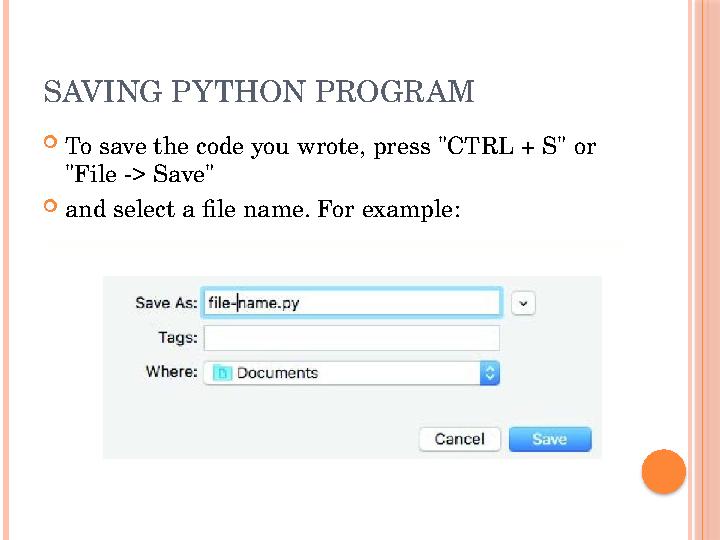
To save the code you wrote, press "CTRL + S" or
"File -> Save"
and select a file name. For example:
15 слайд
SAVING PYTHON PROGRAM To save the code you wrote, press "CTRL + S" or "File -> Save" and select a file name. For example:
#16 слайд
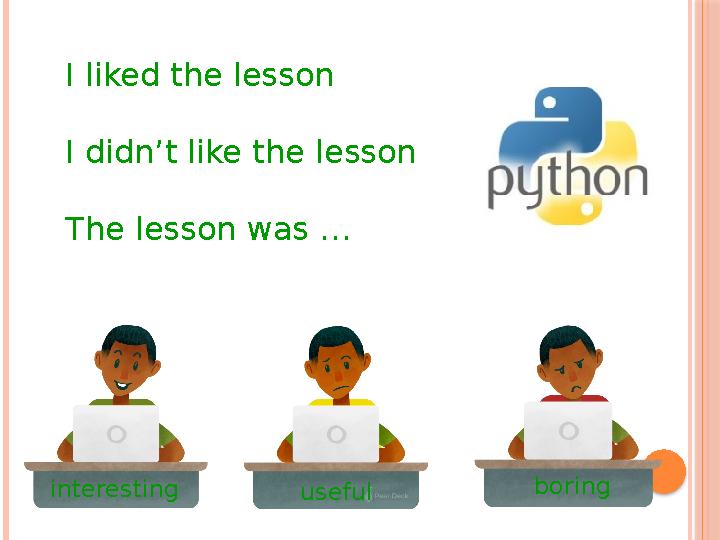
I liked the lesson
I didn’t like the lesson
The lesson was …
interesting
useful boring
16 слайд
I liked the lesson I didn’t like the lesson The lesson was … interesting useful boring








 Бұл курс Қазақстан Республикасы Оқу-ағарту министрлігімен келісілген